


Best Home Golf Simulator: How I Finally Fixed My Winter Golf Blues


Okay, so here’s the thing about finding the best home golf simulator : I wasted way too much money before figuring out what actually works. Last winter, I was going crazy watching my swing fall apart because I couldn’t get to the course for weeks. My wife got tired of me complaining about the weather, and honestly, I don’t blame her.
That’s when I started researching home golf simulators. But man, there’s so much confusing information out there! Some reviews seemed fake, others were way too technical, and nobody was talking about the real stuff, like whether your ceiling is high enough or if your neighbors will hate you for hitting golf balls in your basement at 6 AM.
After spending months researching, testing systems at golf shops, and talking to way too many simulator owners, I finally figured out what actually matters. Here’s everything I wish someone had told me from the start.
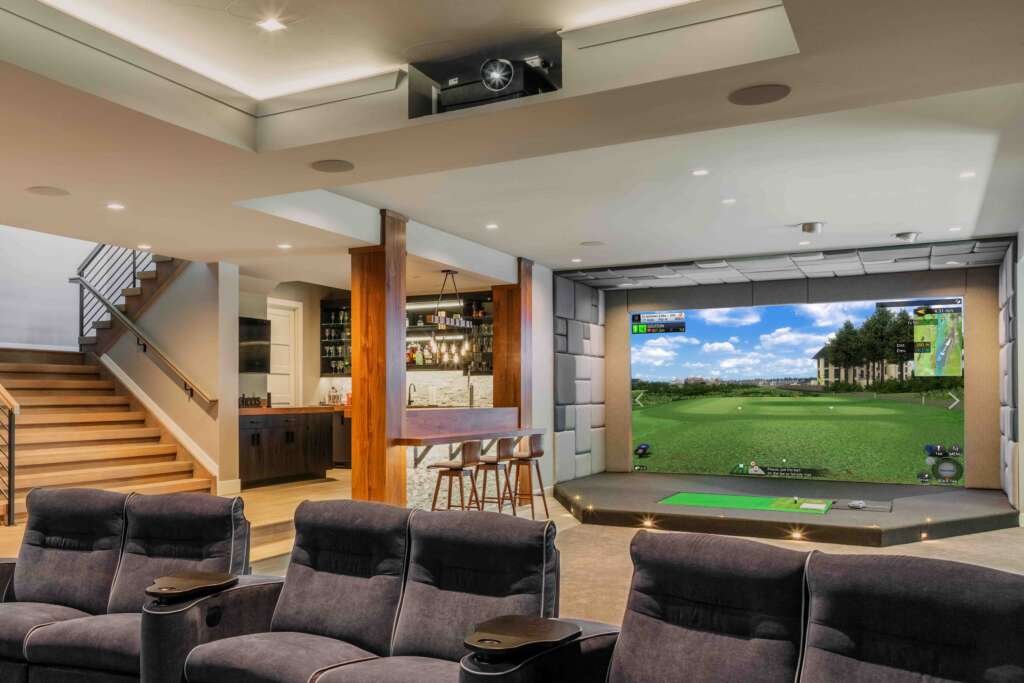
Why I Finally Gave Up on “I’ll Just Hit the Range More”
Look, we’ve all been there. You tell yourself you’ll practice more once the weather gets better, or when work slows down, or when the kids are less busy. But real talk, that perfect practice schedule never actually happens.
I used to drive 25 minutes to the range, pay $15 for a bucket of balls that were probably older than my golf clubs, and hit on mats that felt like concrete. Half the time, I’d get there and realize I forgot my glove or the weather had turned nasty while I was driving over.
Then my buddy Mike invited me to try his new simulator setup in his garage. Dude, I was skeptical. I figured it was just going to be some expensive video game that wouldn’t help my actual golf game. Boy, was I wrong.
We played Pebble Beach while it was literally sleeting outside. The ball flight looked real, the data was incredibly detailed, and I could actually see what my swing was doing wrong. After that session, I knew I had to get one for myself.
What Actually Matters When Shopping for Golf Simulators
Here’s what nobody tells you upfront – there’s a huge difference between simulators that look cool in YouTube videos and ones that actually help your game. I learned this lesson the expensive way.
The Launch Monitor Is Everything (Don’t Cheap Out Here)
The launch monitor tracks your ball and tells the computer what happened. If this thing isn’t accurate, your whole setup is basically useless. I’ve tried cheap systems that told me my pitching wedge was carrying 160 yards. My pitching wedge doesn’t carry 160 yards on the moon.
Good launch monitors use either high-speed cameras or radar technology. Both can work well, but they need to be calibrated properly and give you consistent, realistic numbers. If you’re seeing wild variations in your shots when you know you hit them similarly, the launch monitor probably isn’t up to par.
Software That Doesn’t Make You Want to Throw Your Club
I’ve used simulator software that looked like it was designed in 2005. Terrible graphics, unrealistic ball flights, and only three courses that all looked the same. It killed the whole experience.
Quality software makes you forget you’re not actually at the course. The graphics should be good enough that you can read the terrain, the physics should feel realistic, and you should have access to courses you’d actually want to play.
Some systems come with basic software and then try to nickel and dime you for course packages. Factor this into your budget because good software can easily add $2,000-5,000 to your total cost.
Real Talk About Space Requirements for Best Home Golf Simulator
This is where dreams meet reality. I wanted to put my simulator in the basement, but after measuring everything twice, I realized my ceiling was about six inches too low. Don’t make assumptions – actually swing a club in your proposed space.
The Truth About Ceiling Height
Everyone says you need 9 feet of ceiling height, but that’s really the absolute minimum. I’m 5’10” and barely get away with 9 feet. My tall friends need 10+ feet to swing comfortably.
Also, think about lighting fixtures, ceiling fans, and anything else hanging down. I forgot about a low-hanging beam in my basement and nearly took out a light fixture during my first practice session.
Width and Depth Reality Check
You need room to swing without worrying about hitting walls. Most systems recommend 10 feet wide, but I’d say 12 feet feels much more comfortable, especially if you have an aggressive swing or tend to sway during your backswing.
Depth is tricky because you need space for the screen, room to stand and swing, and clearance behind you. Don’t forget that you’ll be taking practice swings and walking around during your session.
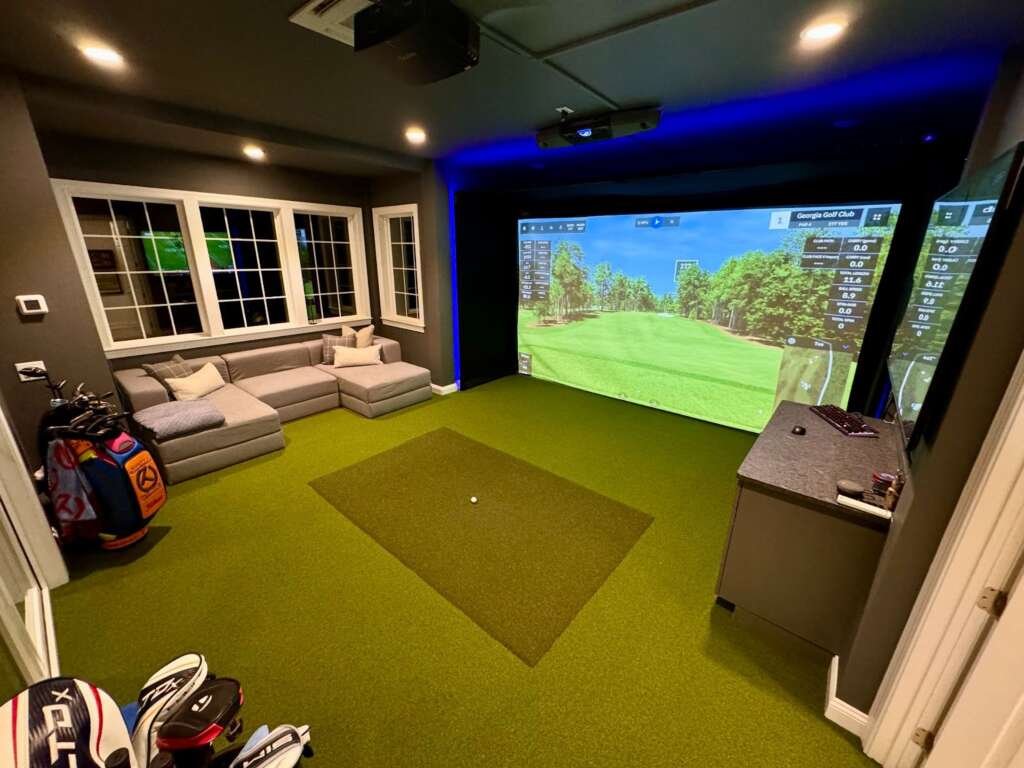
My Top Picks for Different Situations
If Money Isn’t a Big Concern: TrackMan
TrackMan systems are what the pros use, and the accuracy is incredible. I’ve tried these at PGA Tour events, and the data matches exactly what you’d get from a professional fitting.
The downside is obvious – you’re looking at serious money. Like, new car money. But if you’re wealthy and obsessed with golf, this is the ultimate setup. The software is fantastic, the accuracy is unquestionable, and you’ll have bragging rights with your golf buddies.
The Sweet Spot for Most People: SkyTrak
This is what I ended up buying, and I’ve been really happy with it. SkyTrak gives you professional-quality data without the crazy price tag. The accuracy is good enough that I trust it for distance control work and swing changes.
What I love about SkyTrak is the flexibility. I started with just the launch monitor, hitting into a net in my garage. Later, I added a projector and screen setup. Being able to spread out the investment made it much easier to justify to my wife.
The software options are solid too. You can play hundreds of courses, work on specific skills, and even compete online with other SkyTrak users. It keeps things interesting when you’re practicing alone.
Budget Option That Actually Works: Garmin Approach R50
I tried the Garmin system at a friend’s house, and honestly, I was impressed for the price point. It’s not as accurate as the premium systems, but it’s good enough for recreational golfers who mainly want the entertainment value.
The R50 is also portable, which is pretty cool. You can use it indoors with a net or take it to the driving range for outdoor practice. The built-in screen shows basic graphics and data, so you don’t need a separate projector for basic functionality.
Compact Spaces: Uneekor EYE MINI
My brother-in-law has a tiny basement, and he made the Uneekor EYE MINI work in a space I didn’t think was possible. The system is designed for tight spaces and actually works pretty well considering the limitations.
If you’re dealing with serious space constraints, this might be your only option for a real simulator experience. The accuracy isn’t quite as good as larger systems, but it’s way better than no simulator at all.
Building Your Complete Setup (The Parts They Don’t Always Mention)
Impact Screen Shopping
Your impact screen needs to survive thousands of ball impacts while giving you a clear picture. I made the mistake of buying a cheap screen first, and it developed holes within a month.
Professional golf simulator screens cost more but last for years. They’re specifically designed to absorb impact energy while maintaining projection quality. Trust me, spending extra here saves money long-term.
Projector Selection Without the Technical Mumbo Jumbo
You need a bright projector, at least 3,000 lumens, but brighter is better. Short-throw projectors work best because they reduce shadows and keep the unit safely away from your swing.
I mounted mine on the ceiling behind my hitting position. It gives the clearest image and eliminates any shadow issues. Floor-mounted projectors can work, but often create annoying shadows right where you’re trying to see the ball.
Hitting Mats That Won’t Destroy Your Wrists
This is another area where I learned the hard way. Cheap hitting mats feel like hitting off concrete and will mess up your wrists and elbows. After a few sessions on a terrible mat, I could barely swing a club.
Good hitting mats feel similar to hitting off real turf. They give you proper ball lies and don’t jar your body with every swing. Some even offer different surfaces for various shot types.

Installation Reality (Harder Than It Looks)
I thought I could handle the installation myself. I’m pretty handy and have done lots of home projects. But simulator installation involves precise measurements, calibration, and electrical work that’s more complex than I expected.
When to Call the Professionals
If your system involves ceiling-mounted projectors, complex wiring, or precise calibration, consider hiring professionals. They know the common installation pitfalls and can usually complete the job much faster than a DIY approach.
I ended up calling professionals halfway through my installation when I realized I was in over my head. It cost extra, but they fixed my mistakes and had everything working perfectly in one day.
DIY Tips If You’re Going That Route
If you decide to tackle installation yourself, take your time with measurements and calibration. Small errors in alignment can significantly affect accuracy.
Also, plan your electrical needs ahead of time. Some systems draw more power than you might expect, and you may need dedicated circuits for optimal performance.
Common Mistakes That Cost People Money
Buying Before Measuring
I can’t stress this enough: measure your space carefully before falling in love with any particular system. I almost bought a system that wouldn’t fit in my intended space because I got excited about the features before checking the dimensions.
Forgetting About Ball Retrieval
This sounds obvious, but you need easy access to collect balls after hitting. Some people design beautiful setups that make ball collection a nightmare. Think about the practical aspects of actually using your simulator.
Underestimating Total Cost
The launch monitor price is just the beginning. By the time you add screen, projector, mat, enclosure, installation, and software, you might spend three times the launch monitor cost. Budget for the complete setup, not just the main component.

What to Expect for Your First Month
Don’t expect miracles immediately. It took me a few weeks to get comfortable with the setup and trust the data. The first time you see detailed numbers about your swing, it’s exciting but also overwhelming.
I recommend starting with basic practice sessions before diving into complex analysis features. Get comfortable with the system, then gradually explore all the data and training modes available.
Also, be patient with calibration and setup adjustments. Every system needs some fine-tuning to work optimally in your specific space.
Your Next Steps for Best Home Golf Simulator
If you’re ready to move forward, start by honestly assessing your space and budget. Then visit some golf shops with simulator displays so you can actually try different systems.
Talk to other simulator owners if you know any. The golf community is incredibly helpful, and most people love sharing their experiences and recommendations.
Don’t rush the decision, but don’t overthink it either. Any decent simulator will dramatically improve your practice opportunities compared to current limitations. The key is finding the right balance of features, space requirements, and budget for your specific situation.
Your golf game will thank you for the investment, and you’ll wonder why you waited so long to make the move to year-round, convenient practice at home.